Enhancing teachers' productivity
Gynzy's icon-only sidebar was confusing teachers and holding the product back. I led a three-phase redesign that cut lesson access from 3 clicks to 1, and gave the platform room to grow again.
The challenge
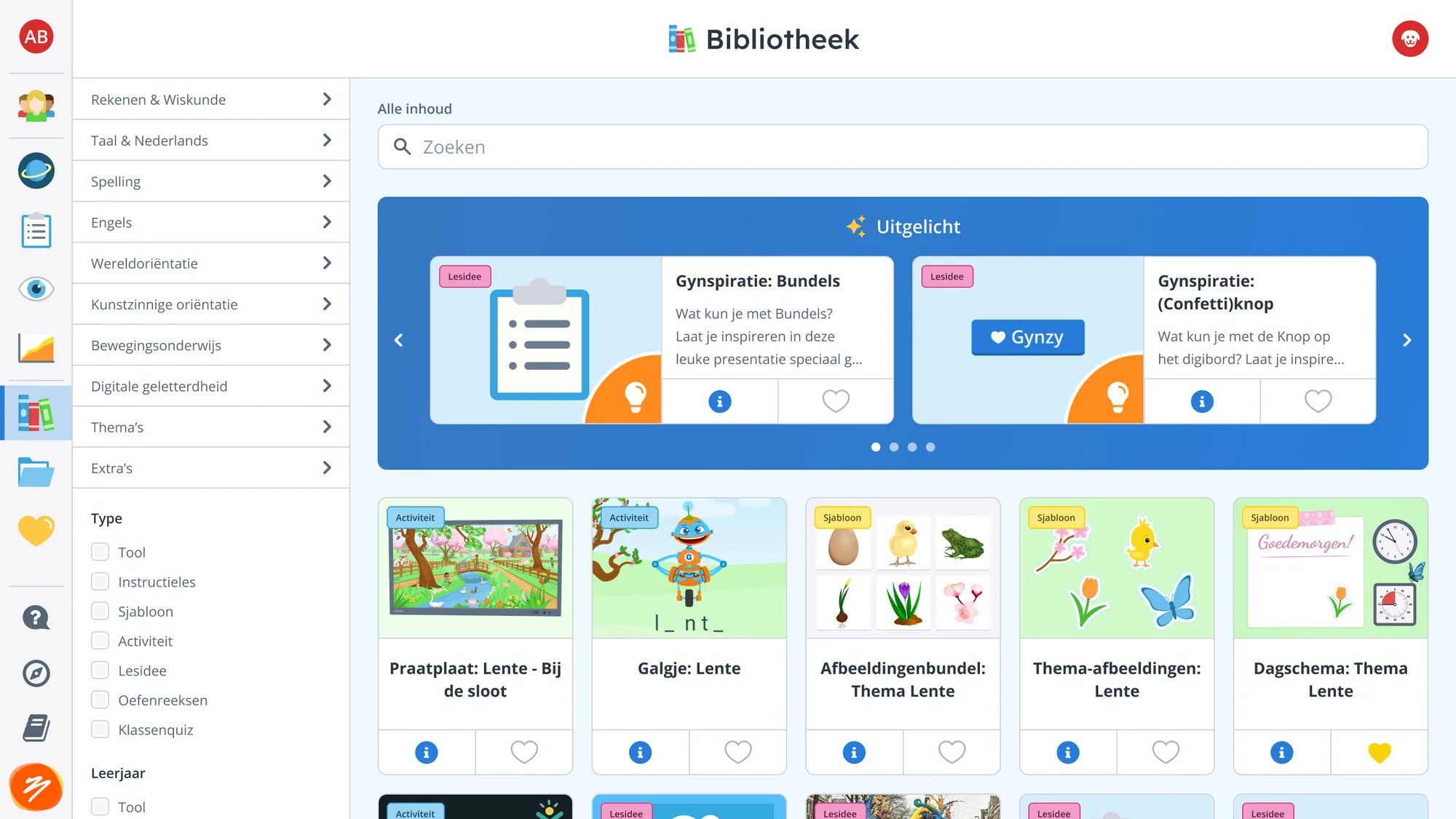
- Navigation was a left sidebar of unlabeled icons. Teachers couldn't figure out what they meant
- The landing page after sign-in wasn't even the top icon, causing immediate disorientation
- Zero room left to add new features without degrading the experience further
- Multiple development teams independently flagged the scalability problem
- The Ember and Flutter applications had different scaling behavior across devices
- Teachers use desktops and interactive whiteboards, so both cursor and touch input had to work
Making the case
Data alone wasn't enough to convince stakeholders. So I presented the experience through the eyes of a first-time teacher, walking through the confusion step by step. That shifted the conversation from "is it good enough?" to "this is hurting users."
The slide deck I used to present the case for overhauling navigation.
The solution
Research insights
- Amplitude data revealed which features teachers actually used vs. which went untouched
- Card sorting with educational experts showed teachers think about tools very differently from how we'd organized them
- Usability testing confirmed that simply relabeling icons wouldn't be enough
- Key insight: teachers needed a fundamentally different entry point, not a better toolbar
Design constraints
- Hover-to-expand menus worked with a mouse but fell apart on whiteboards teachers tap in front of a class
- Responsive scaling had to work consistently from small laptops to large interactive displays
- The Ember→Flutter migration meant reconciling two different rendering behaviors
Implementation
The scope was too large for a single release. So I proposed three sequential phases, each shipping real improvements while building toward the bigger vision.
Phase 1: Clean up & rebuild
- Removed non-core features from the sidebar
- Rewrote the Ember-based toolbar in Flutter
- Reduced clutter and established a maintainable codebase
The toolbar transition from Ember to Flutter.
Phase 2: The start page
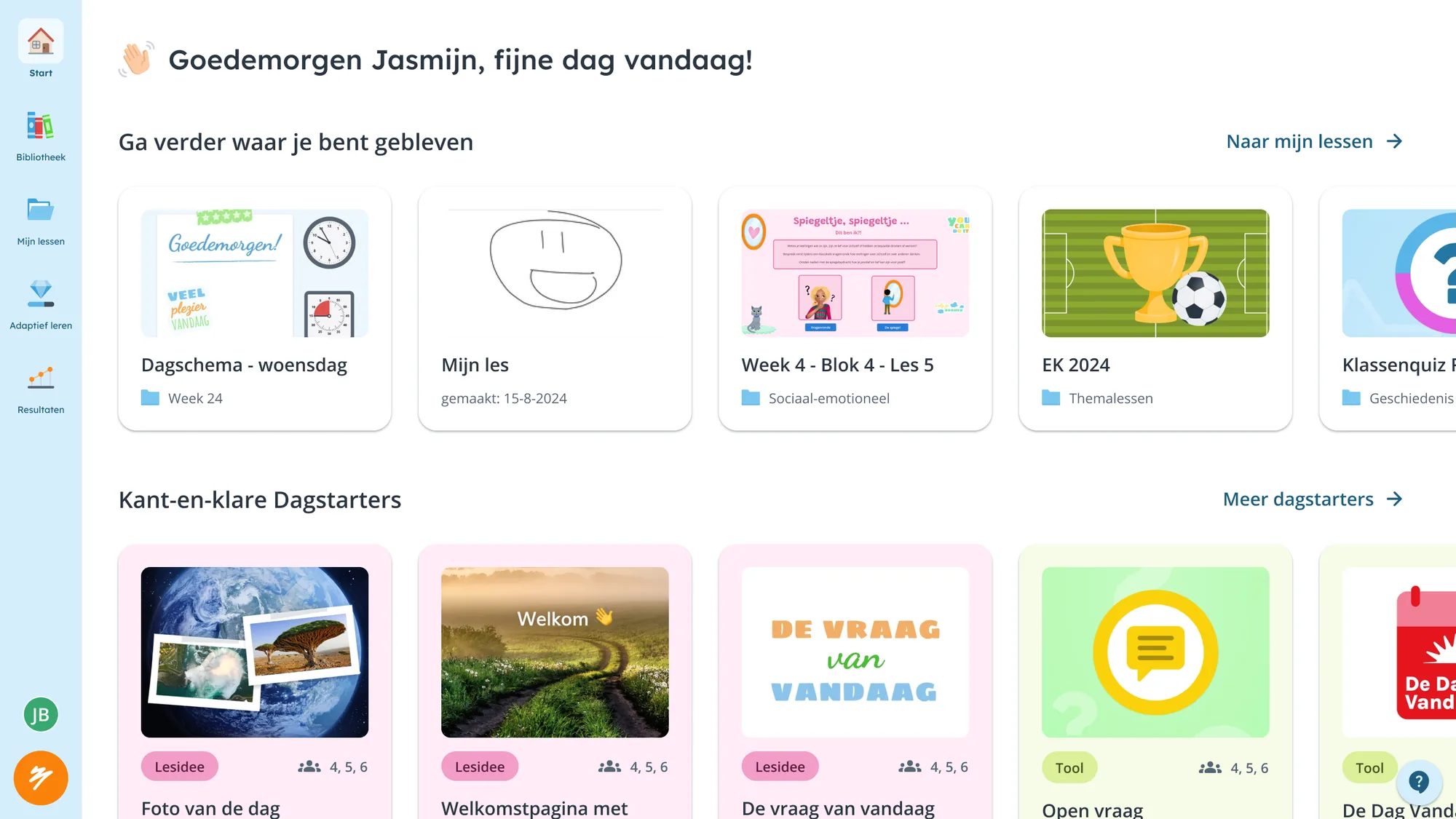
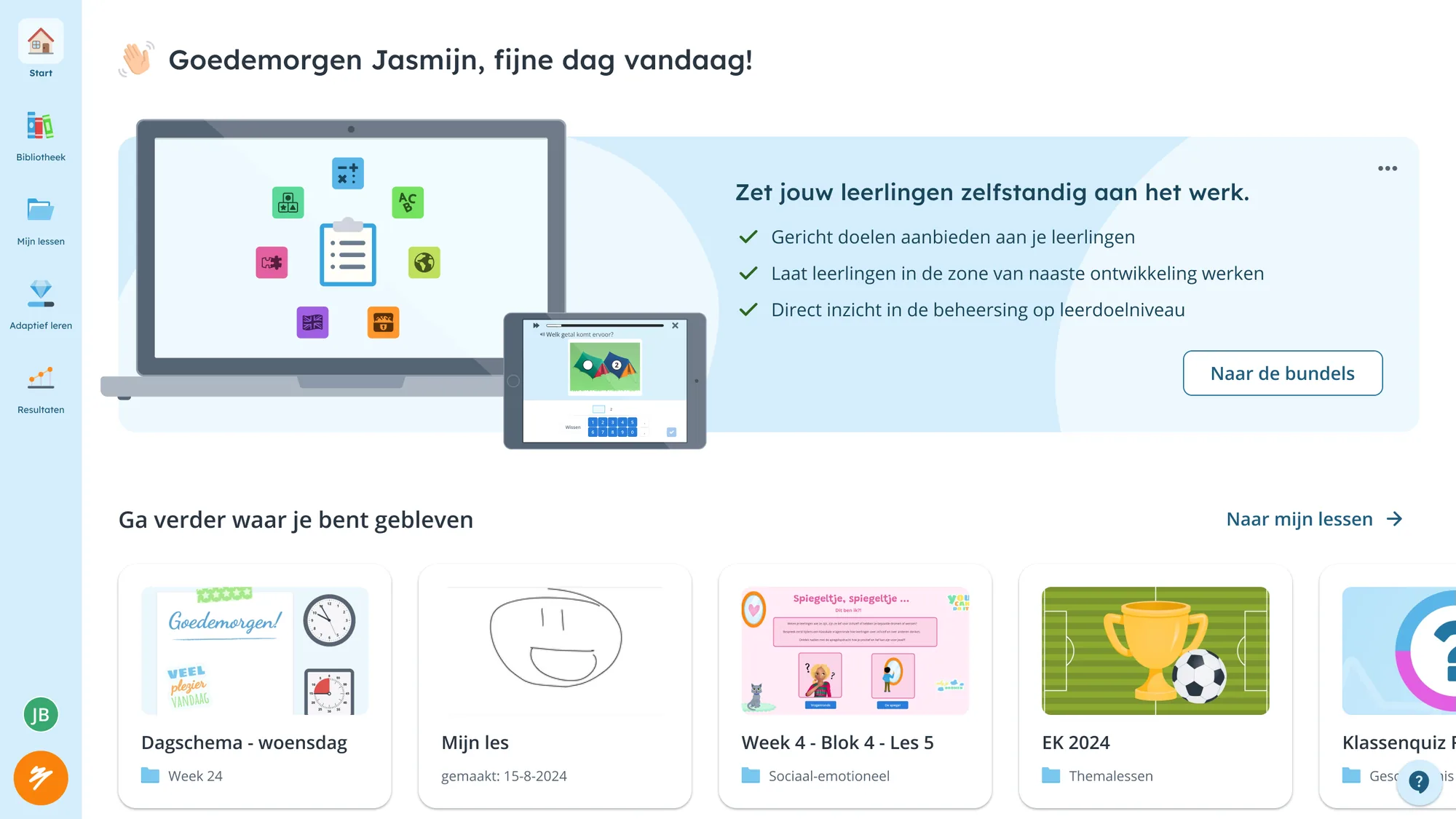
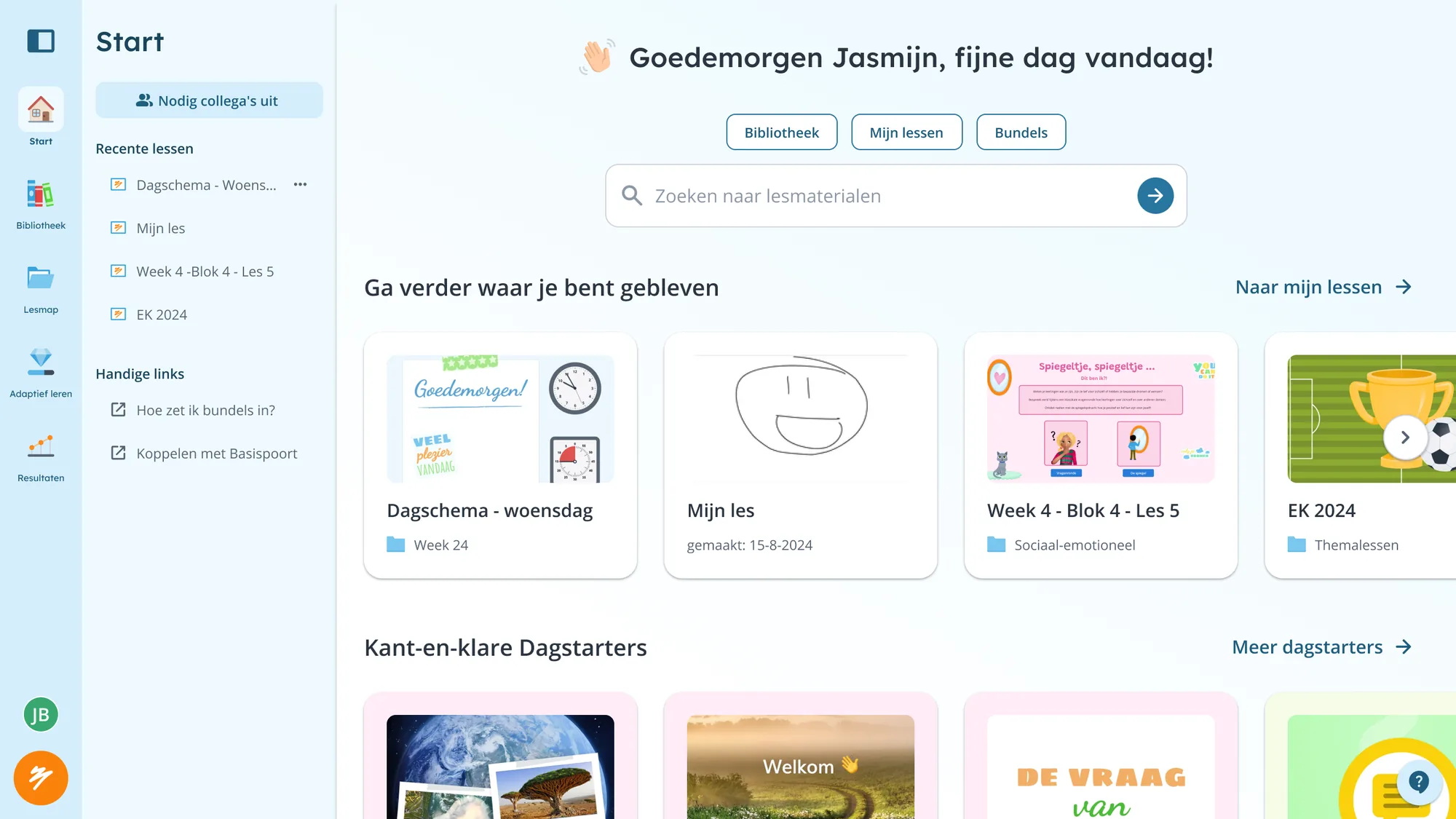
- Introduced a dedicated landing page so teachers see their schedule immediately after sign-in
- Evolved from a promotional first version to a personalized daily hub
- Single biggest improvement: opening a lesson went from 3 clicks to 1
Phase 3: Secondary navigation
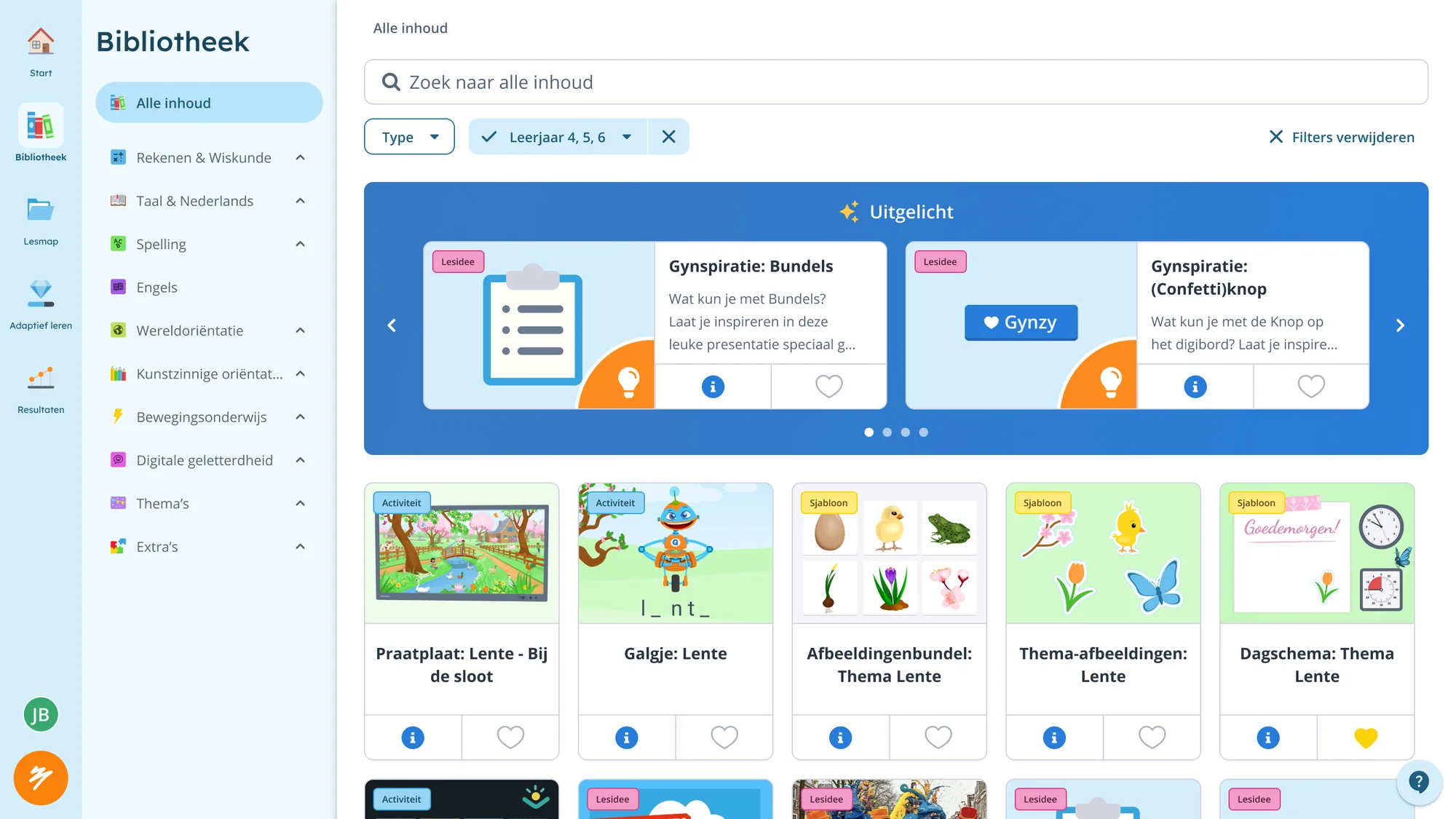
- Added a secondary navigation layer. Everything lives on the left, giving users a consistent mental model
- Created room for new features without mixing horizontal and vertical patterns
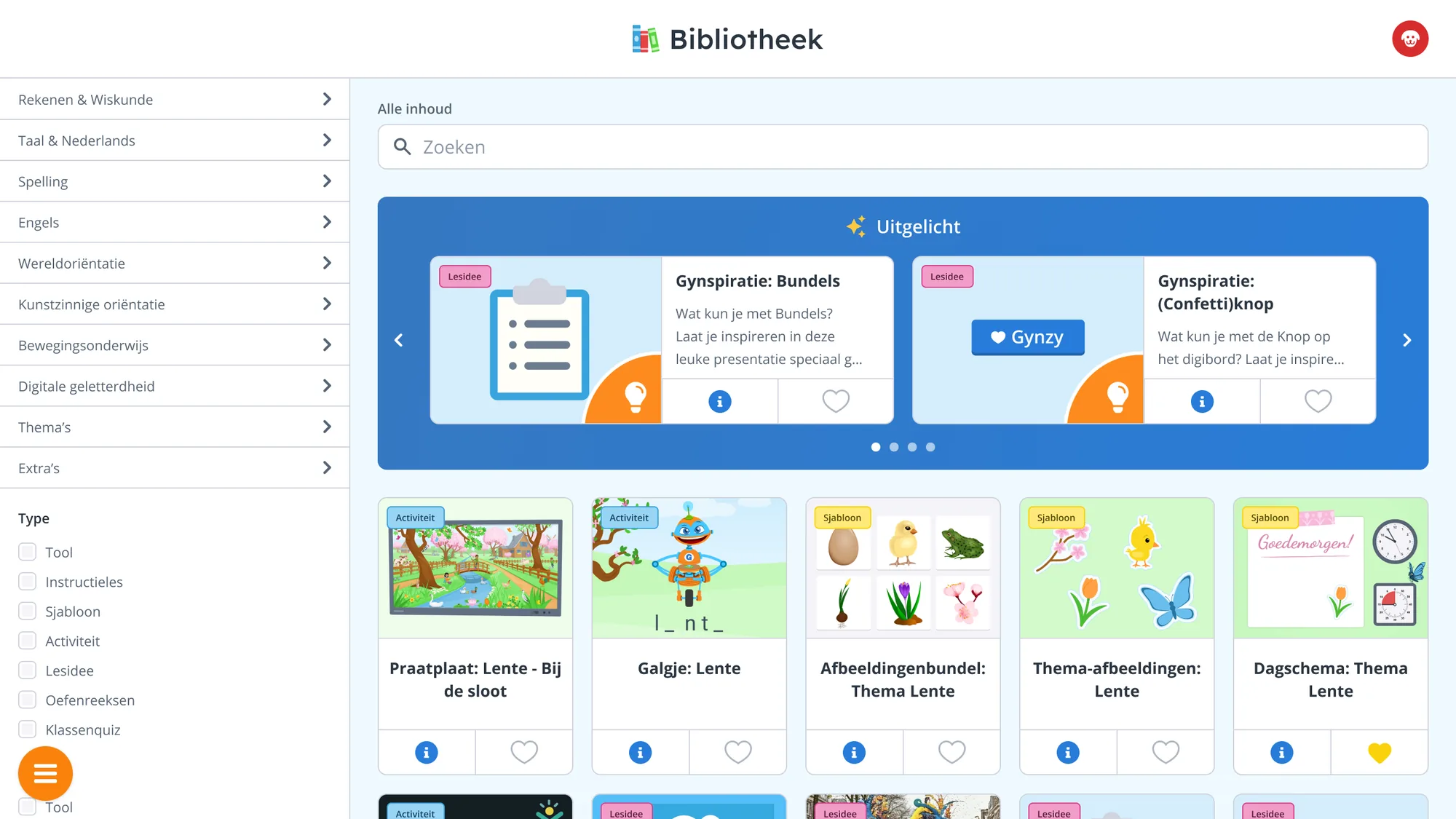
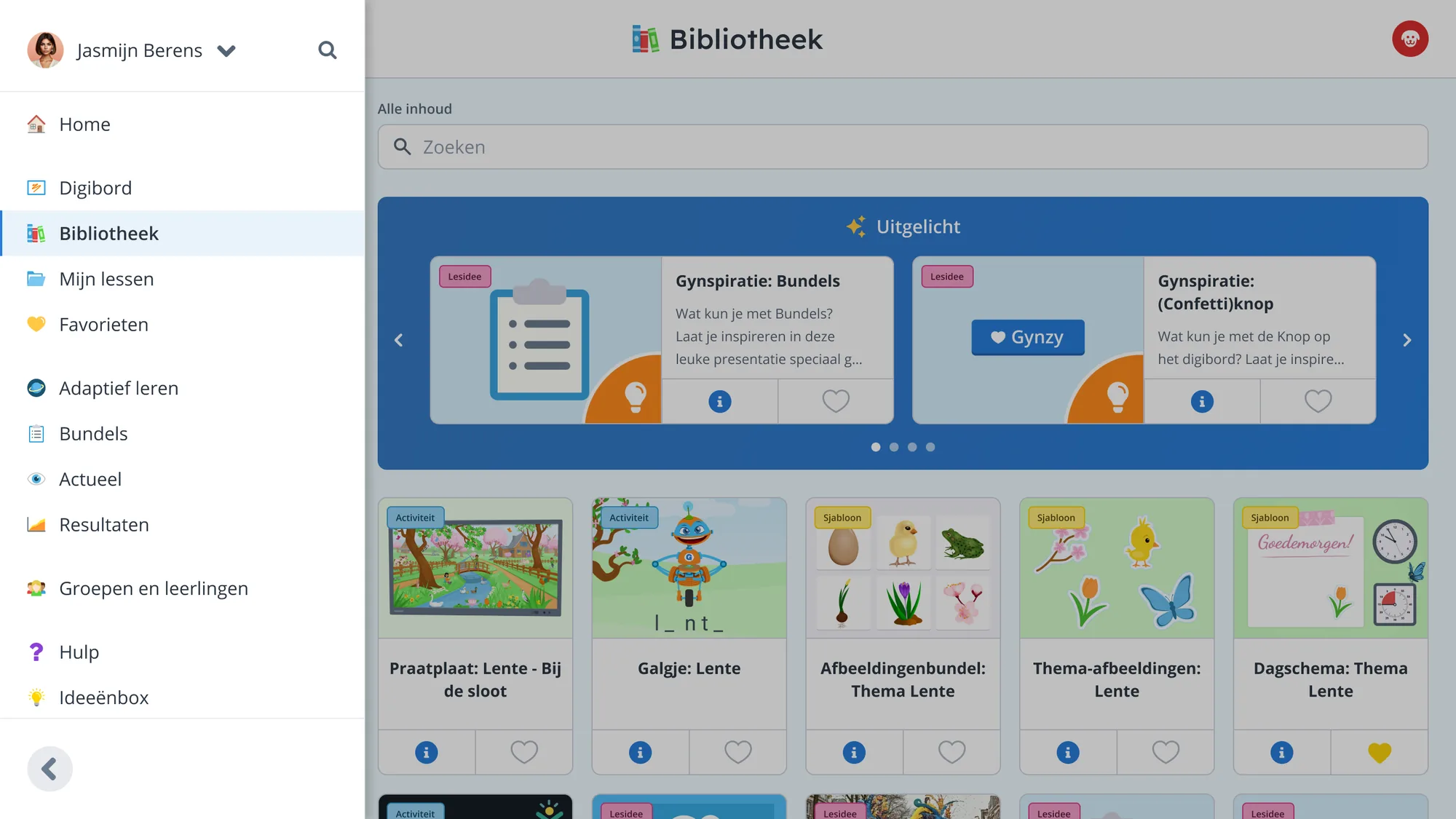
Early exploration of the secondary sidebar: a collapsible category menu that expands in place.
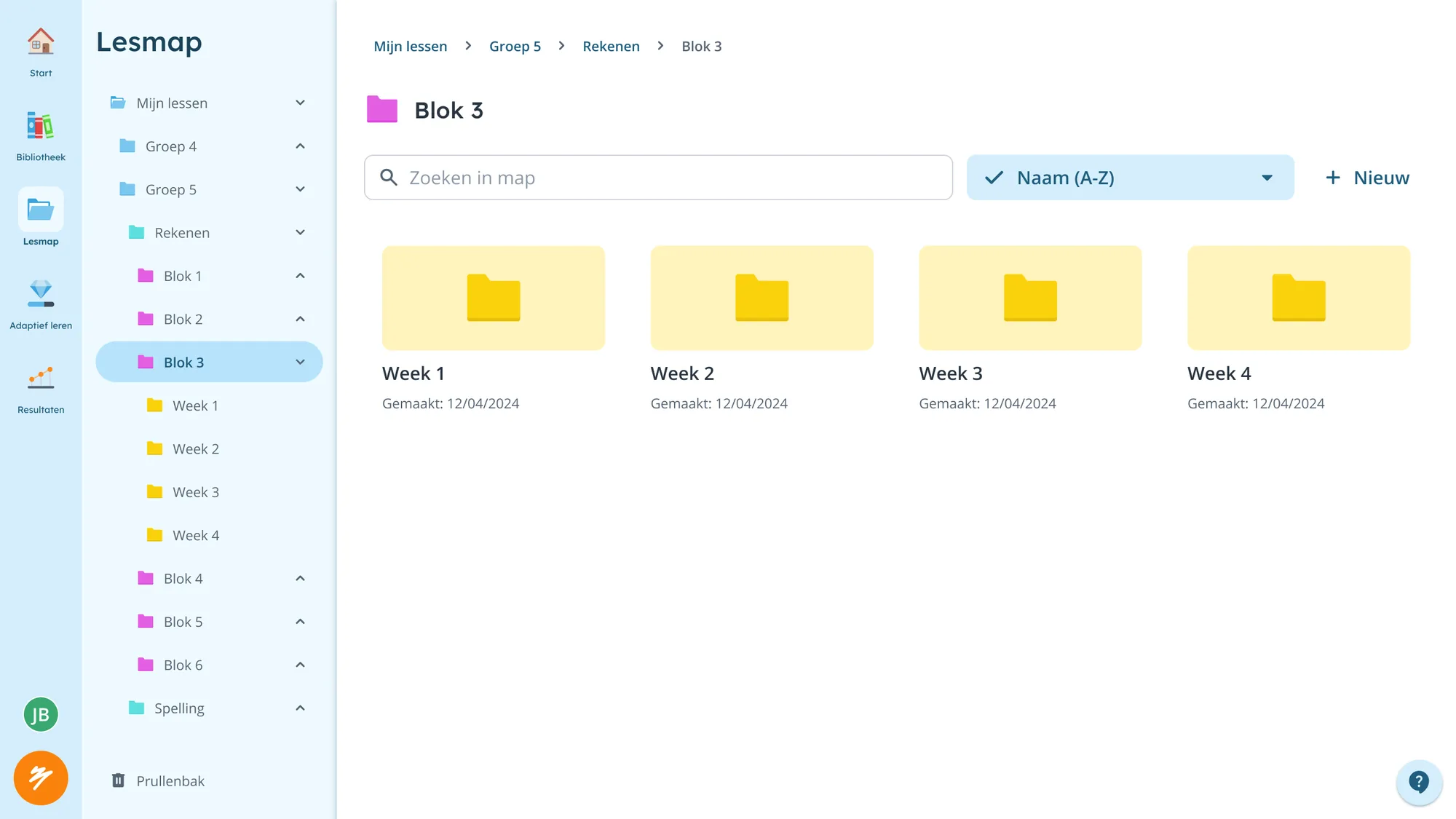
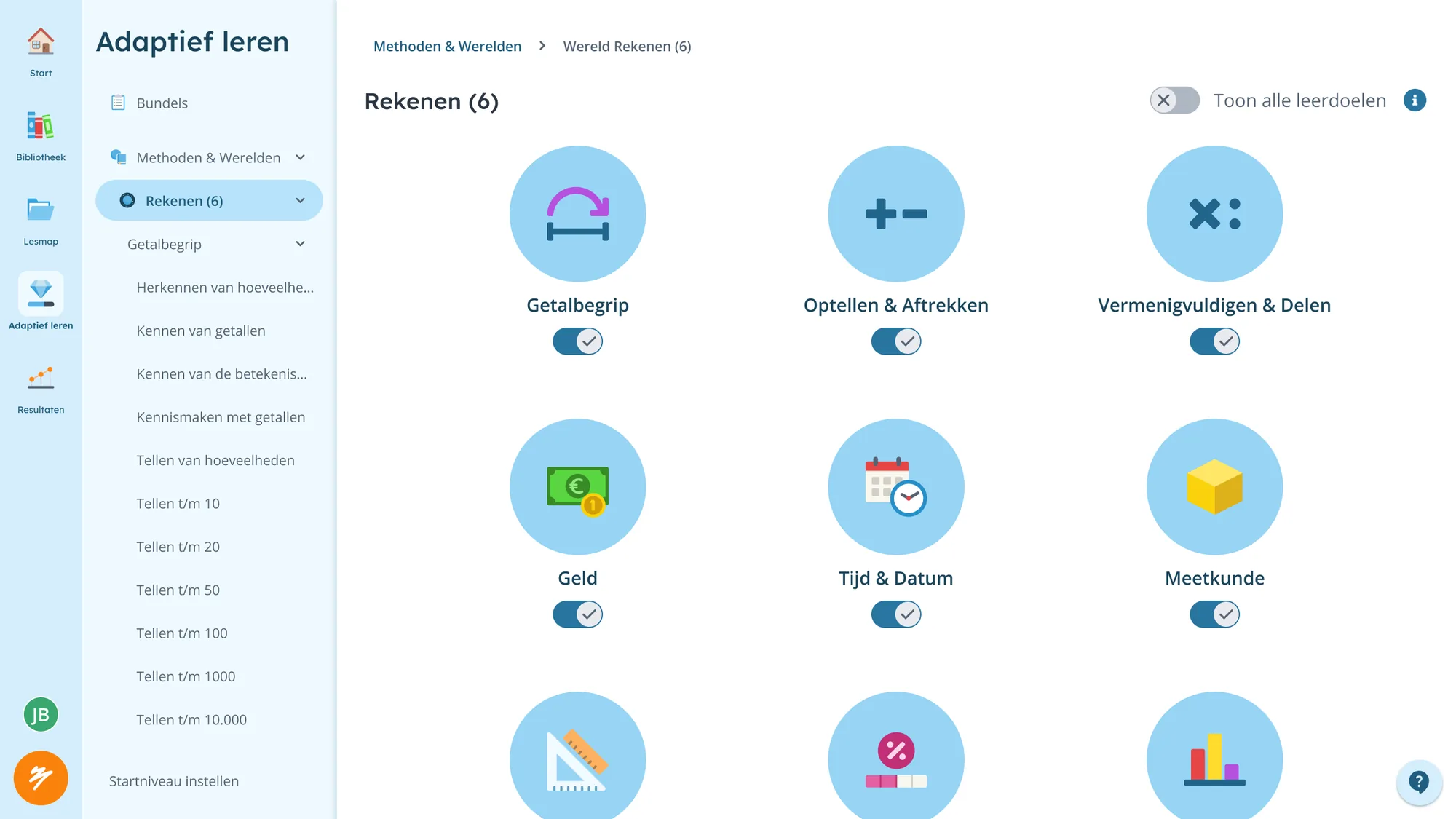
The secondary navigation as a tree. Folders and curricula need hierarchy without leaving the page.
Results
- Lesson access went from 3+ clicks to 1. Teachers do this dozens of times a day, so it adds up fast across thousands of classrooms
- The navigation architecture now scales: new features have a clear home
- Mixed Ember/Flutter codebase consolidated into Flutter
- Responsive scaling works consistently across all supported devices
- Product team went from "we can't add anything" to having room to build
Next project